💬
Private chats
Text, photos, videos and voice messages.
UBChats (also written UB Chat, UB Chats or UBC) is a social chat app. Message your friends, send photos, videos and voice notes, post to your feed, watch reels and share stories — all in one place.
Use it right now in your browser. The Android app is coming soon to Google Play.
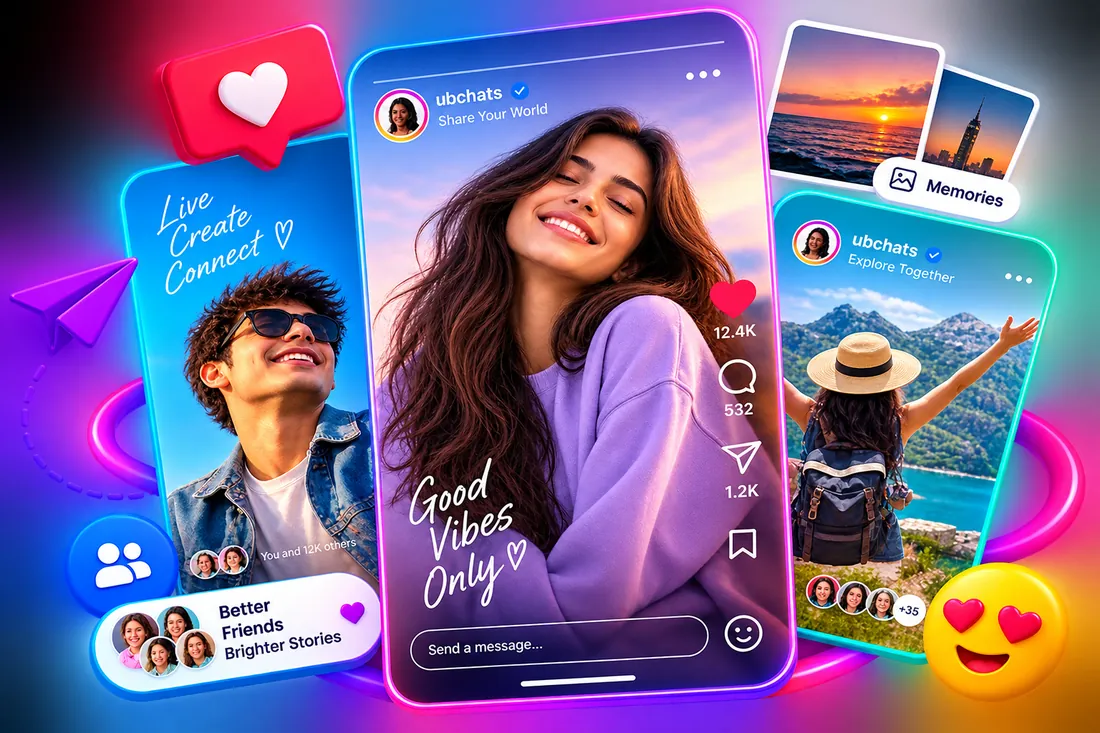
Text, photos, videos and voice messages.
Share moments. Friends like, comment and share.
Watch short videos and post your own.
Share your day. Close friends see more.
Share ubchats.com/u/yourname anywhere.
Pin, mute, delete or block with one hold.
Quick answers about UBChats.
UBChats is a social chat app where you can message friends, share photos, videos and voice messages, post to your feed, watch reels and share stories — all from one account.
UBC is the short name of UBChats, also written as UB Chats. It is the social chat app at ubchats.com and is not related to any university.
Yes. Many people type UBChats as UB Chat, UB Chats, UP Chat, UP Chats, UV Chat or UV Chats. They all mean UBChats, the social chat app at ubchats.com.
Yes. You can create a UBChats account for free with your email and start chatting right away.
Open your profile and tap Share profile. You can send it to your friends inside a UBChats chat, or copy your personal link, which looks like ubchats.com/u/yourusername, and share it anywhere.
The UBChats Android app is on its way to Google Play. Until then, you can use UBChats in your phone or computer browser at ubchats.com.
Yes. You decide who you talk to. You can pin or mute chats, delete a chat for yourself, and block anyone you do not want to hear from.